Pointer
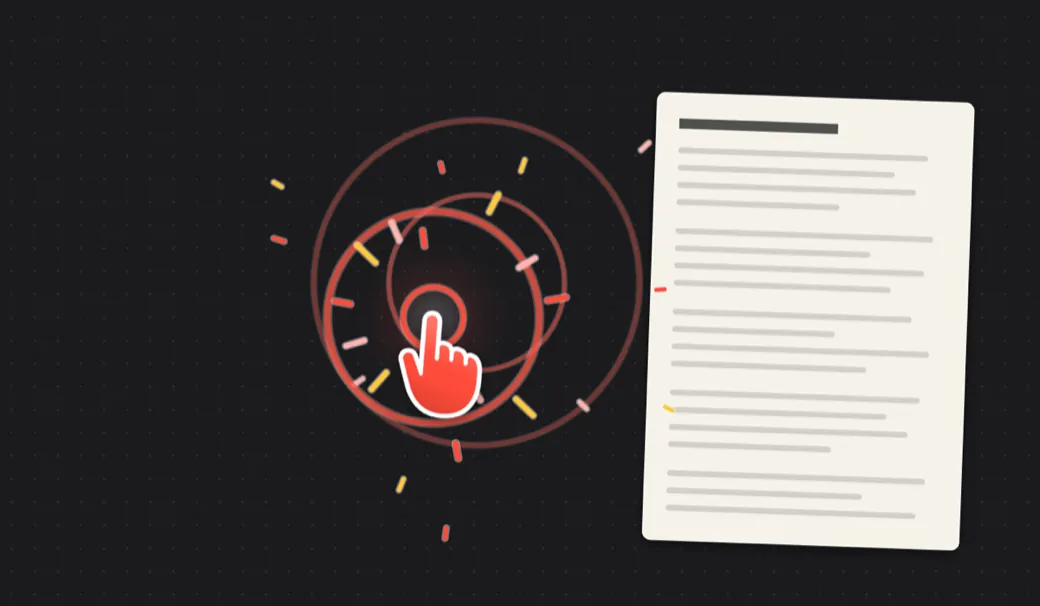
Your cursor becomes a pointer that taps on every click, so viewers can follow along. Presentation Mode makes clicks only tap.
A pointer that taps, arrows you draw on anything, keystrokes on screen, a shelf for screenshots, window pairing, a cleaner that asks first, keep-awake, and a status page for your phone. All behind one yellow u in the menu bar.
A pointer that taps, arrows you draw on anything, a shelf for screenshots, and five more tools behind one yellow u.
It is a Mac app, after all.
Open this page on your Mac and it turns into one you can try uzeful on.
Your cursor becomes a pointer that taps on every click, so viewers can follow along. Presentation Mode makes clicks only tap.
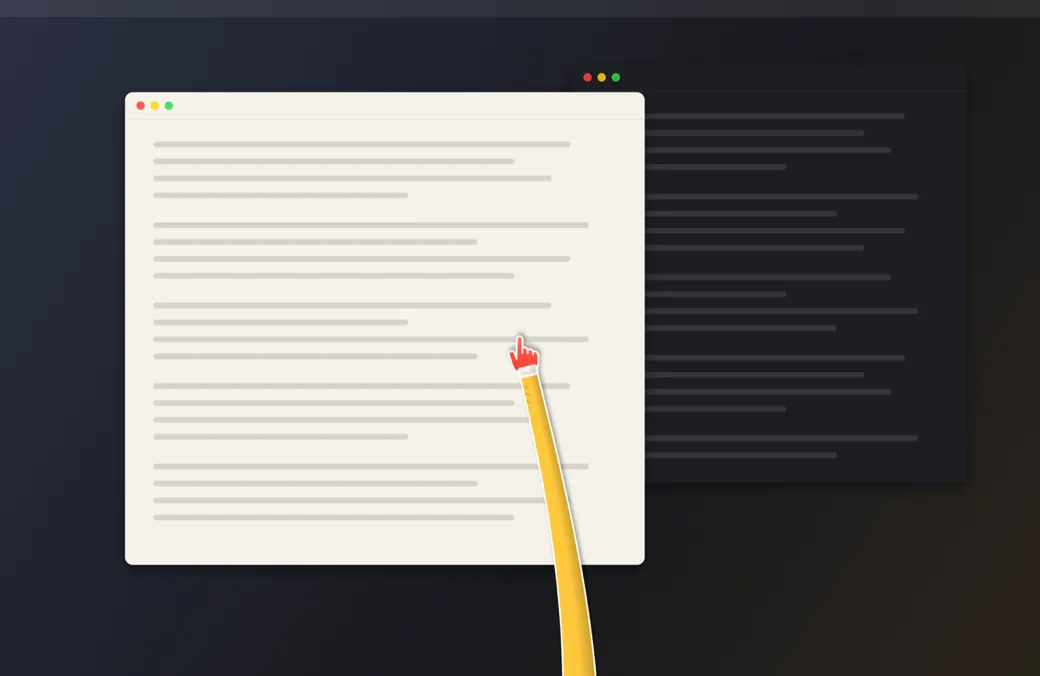
A hand on a sleeve that reaches in from the edge of the screen, swings a little behind fast moves and jabs on every click.
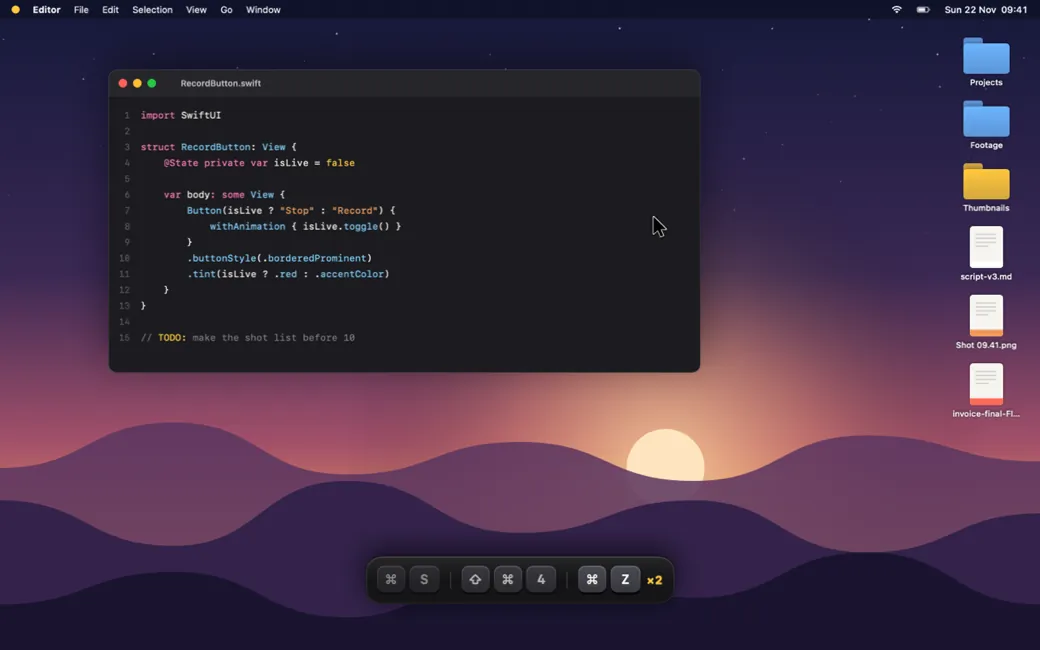
Keystrokes on screen, a spotlight, a laser, a countdown before you record, frame guides and a clean screen.
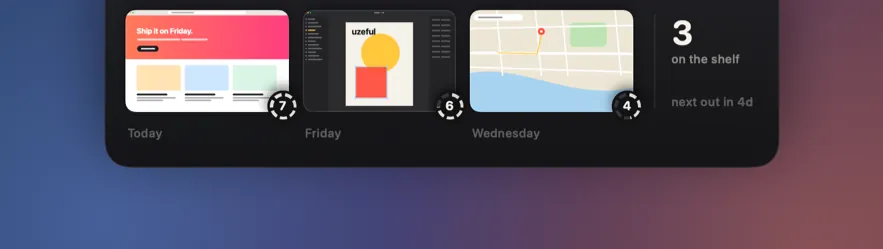
Screenshots land on a shelf instead of the Desktop. Star the keepers; the rest go to the Trash after 7 days, with a nudge first.
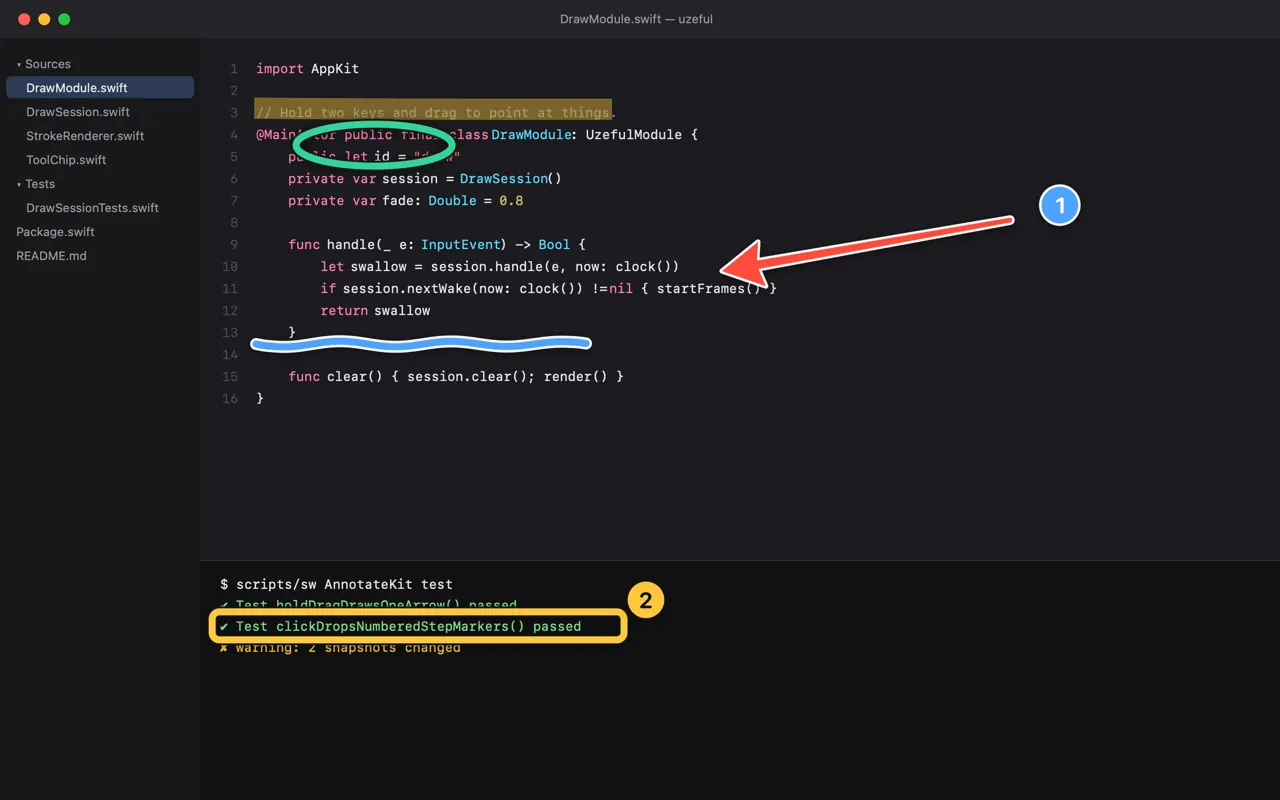
Hold two keys and drag: arrows, boxes and numbered steps on anything. They fade by themselves.
Spread lays out every window. Pair up puts the two you flip between side by side.
Finds what is eating the disk, knows what is in use, and asks before anything goes.
Keeps the Mac awake, lid closed too, and shows its status on your phone.
Every tool started as a ticket: something that annoyed me while recording. Here is what is fixed, and what is next.
uzeful stands on other people’s good ideas. None of them is affiliated with it, and neither is Apple.